
Every form, workflow, and approval your organisation runs on. One workspace.
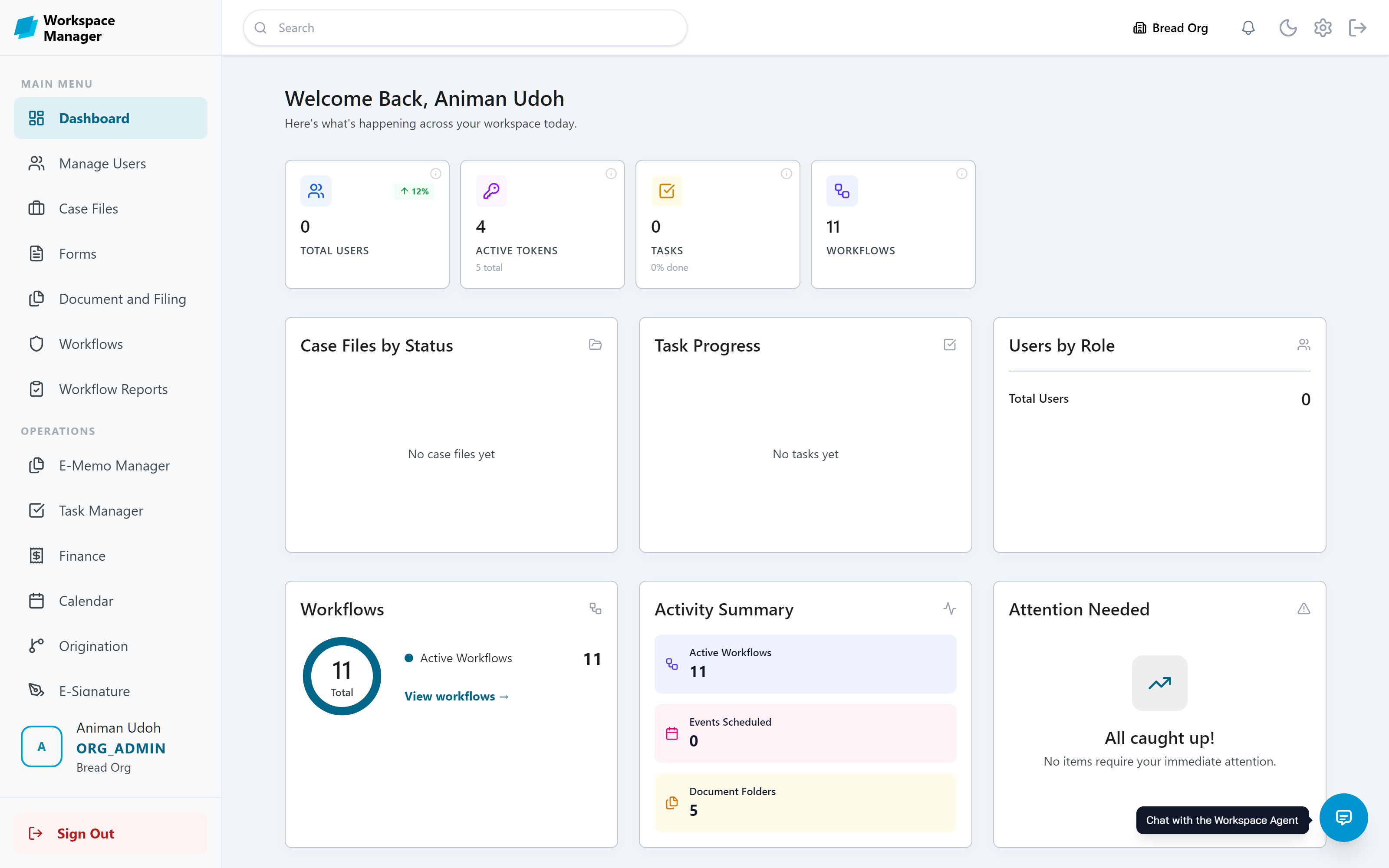
Approovia Workspace Manager is where your forms, approvals, documents, and records live and move. Build a process once, and it runs itself.

No code required · Governed approvals · AI built in
Consult
Discover and document your organogram, roles and responsibilities, and work processes, without external consultants.
Build
Create Forms that power workflows and reports using drag-n-drop No-code builders. No coding required.
Run
Submit a form and its workflow starts on its own. Each step goes to the right person automatically.
Govern
Baked-in governance and access control to documents and resources based on organogram derived permissions.
Everything your back office needs
Ten core modules for one organization, with actions governed by permissions, with full accountability at all stages of work.
Digital Consultant
Build your team as a tree, give each unit its functions and leadership, import your organization's users in one click and assign them operating roles. Review, approve and deploy your Standard Operating Manual (SOM).
Forms
Build Forms through drag-and-drop actions or AI prompt, includes templates and smart fields. All Form submissions captured and routed through attached workflows.
Workflows
Build simple and complex workflows where each stage has an owner with a specific list of tasks to perform. Work moves forward, back, or on referral, with approvals or denial stages. Nothing gets lost.
Documents
Organized folders for all your files. Control who can view or edit, down to a single document. Password protect and limit viewing duration of content.
Case Files
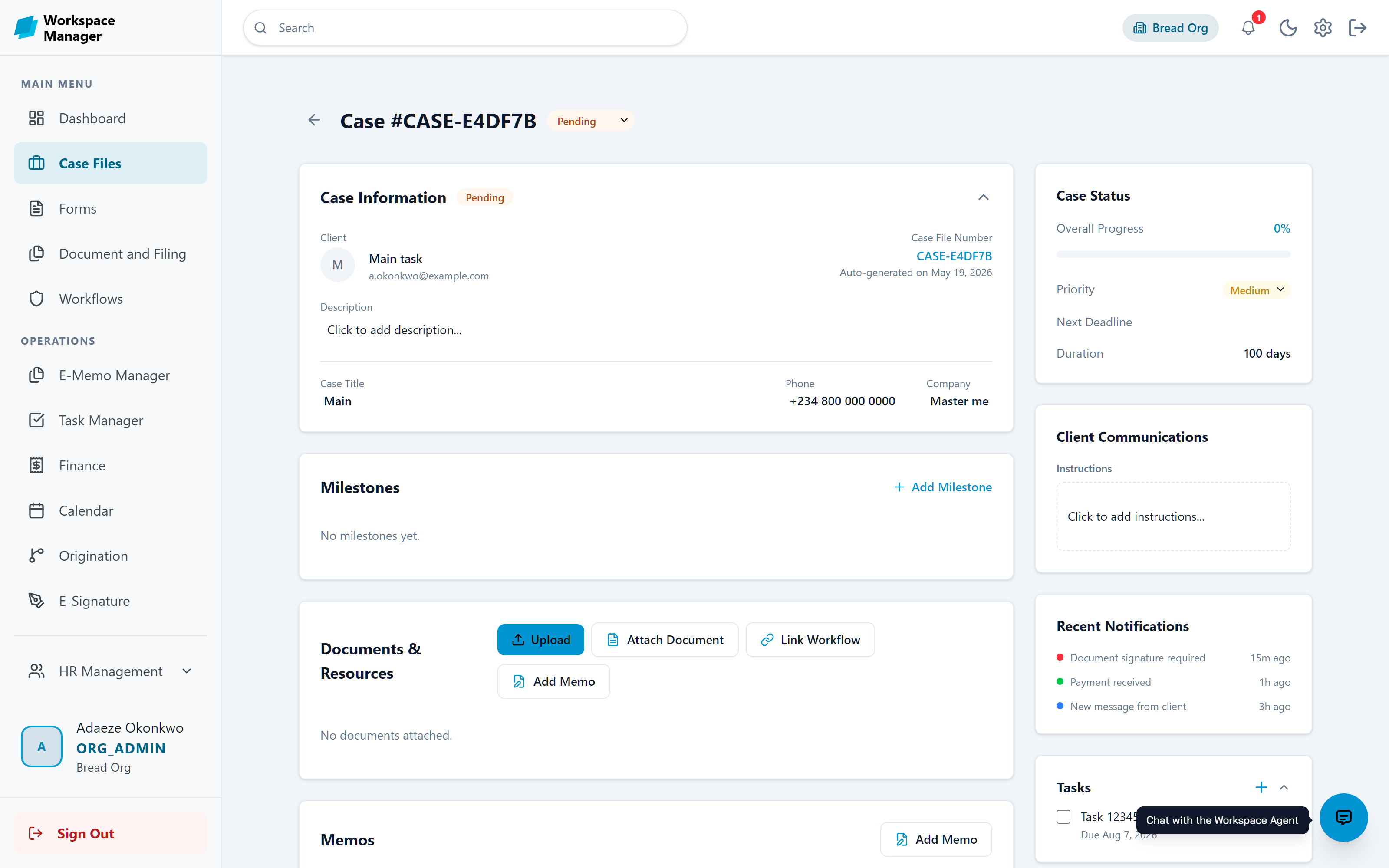
One record for each client or project. Keep tasks, appointments, milestones, documents, and memos together.
E-Memo and E-Signature
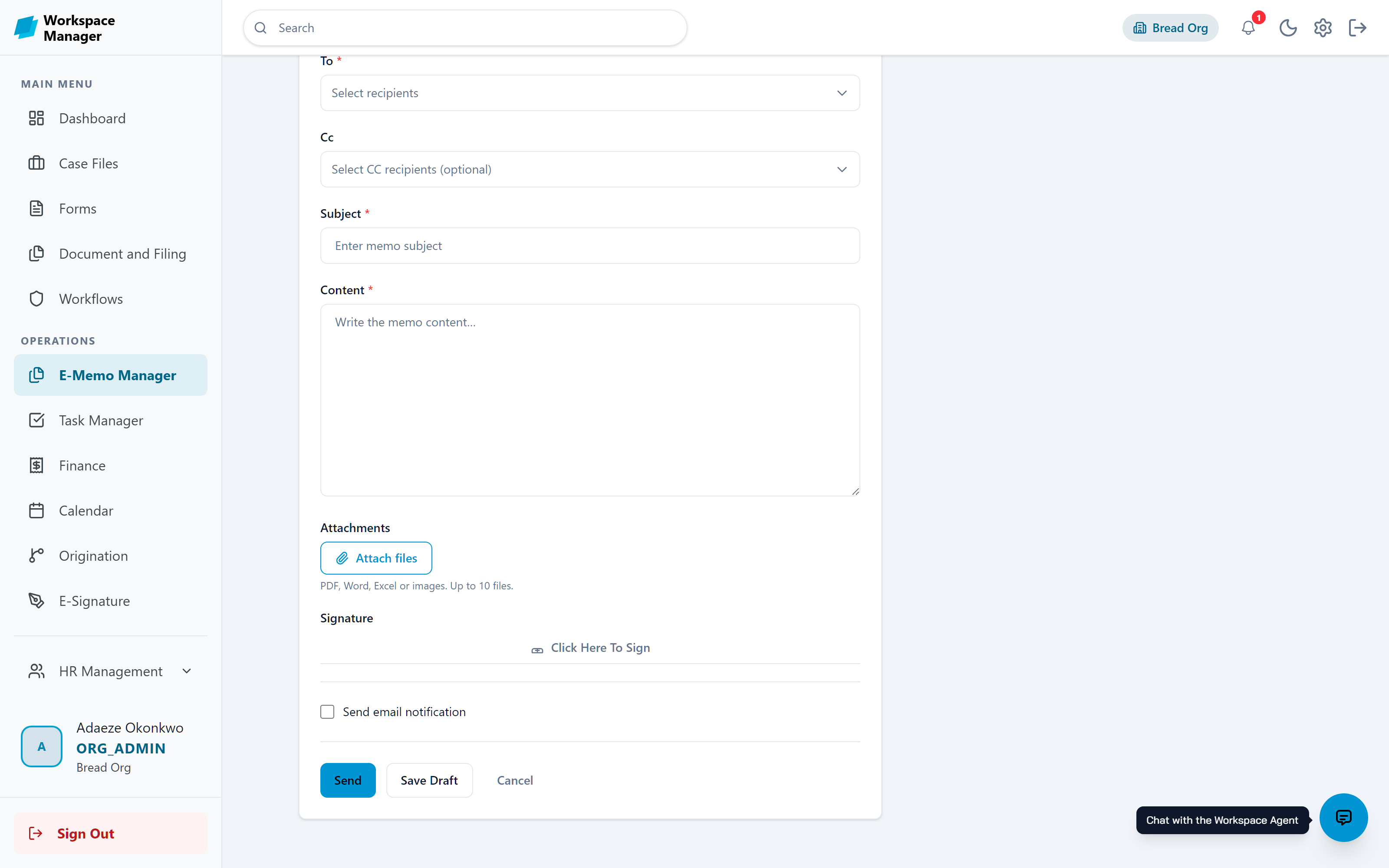
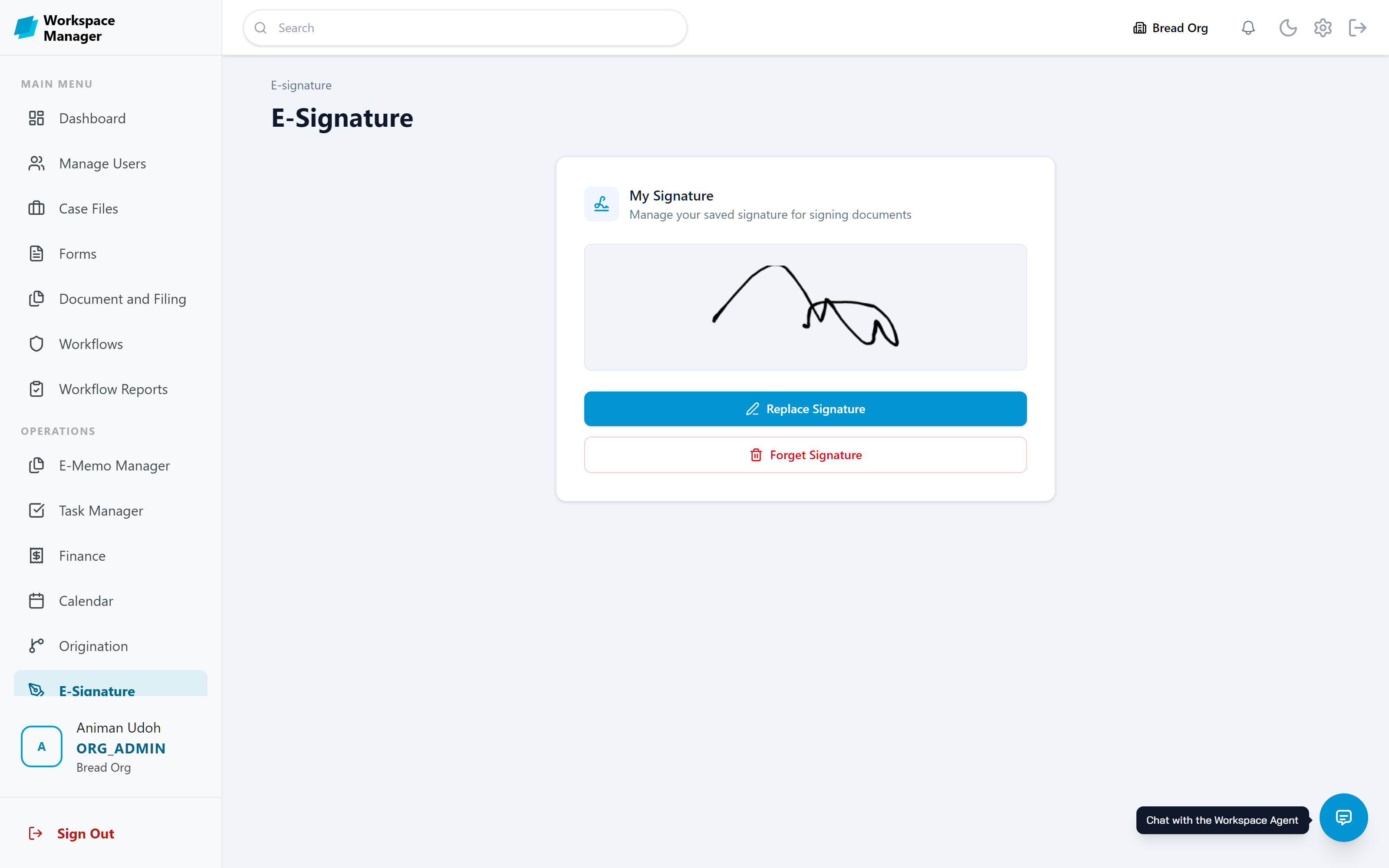
Memorize critical information, add attachments and sign with your signatures. Sign once, use it everywhere, verified by a one-time secure code.
Tasks and Events
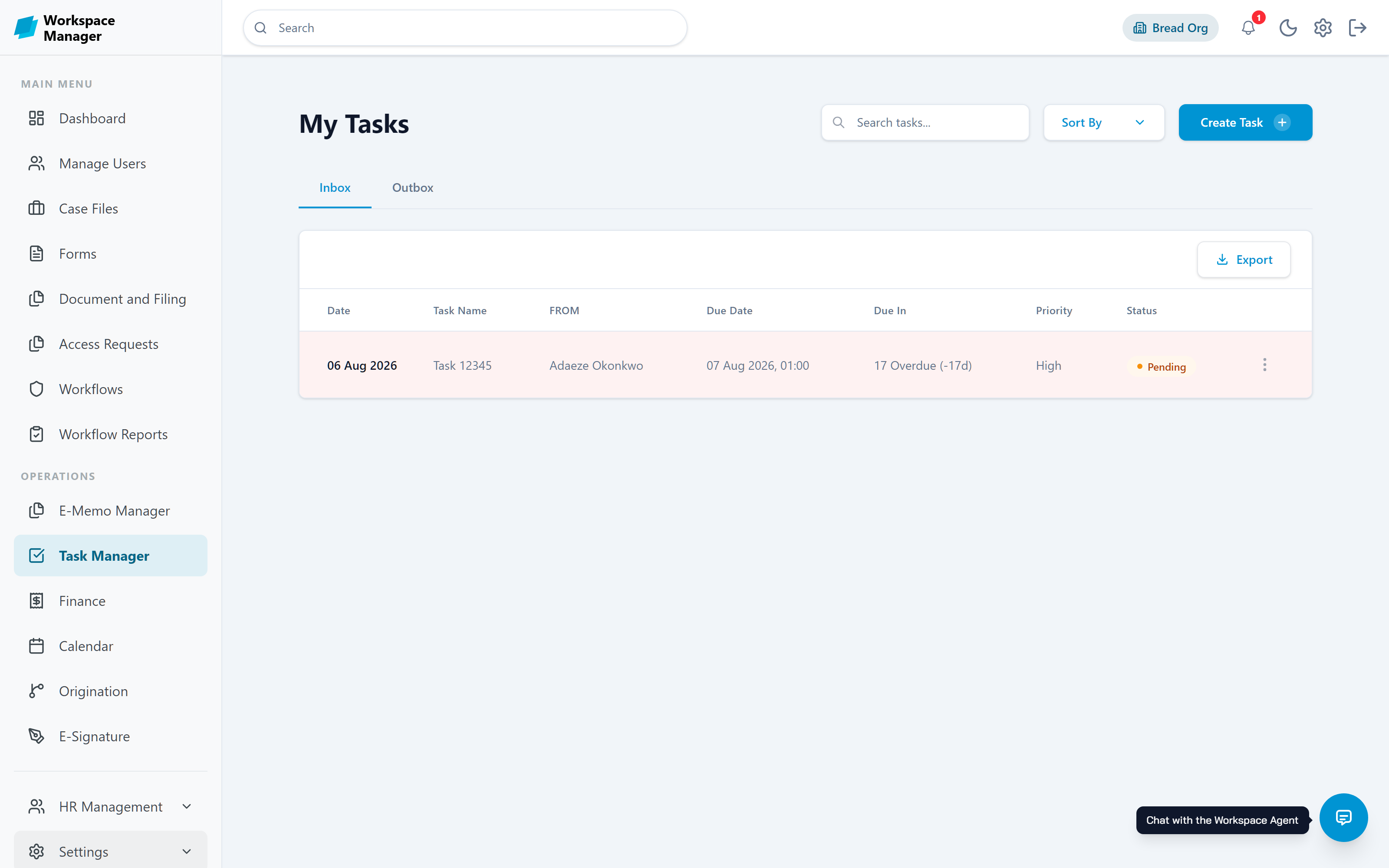
Create and assign Tasks and Appointments to team and project members.
HR Mgt
Log-in/Log-out, Staff Availability Tracking, Team Presence, Leave Management and Employee Directory.
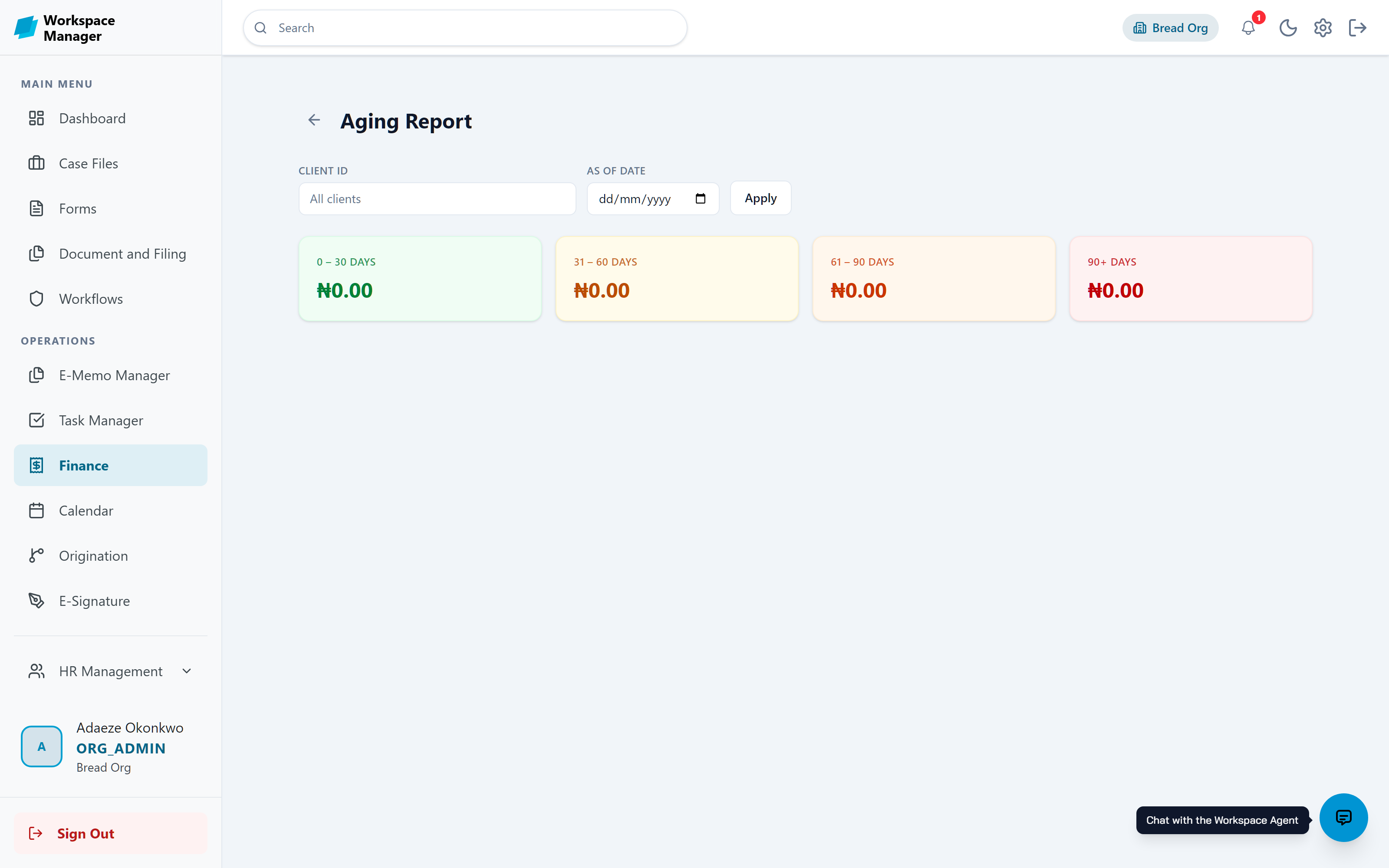
Invoice Mgt
Create invoices, track expenses and payments against the invoice, produce ageing reports.
CRM Mgt
Support your customers with incident reporting, issue tracking and resolution, and access to issues knowledge bank.
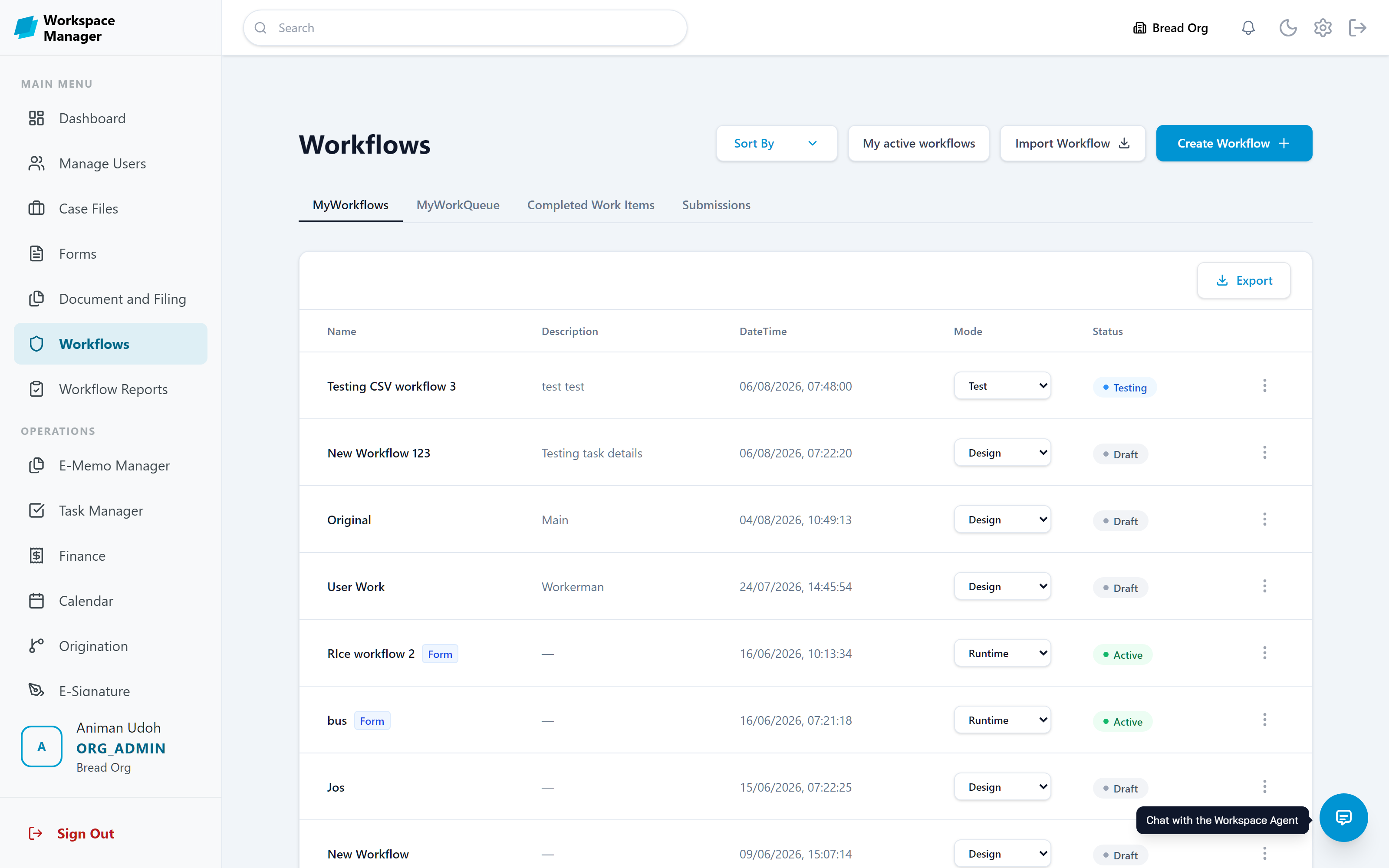
Automated Workflows
You never press run on a workflow. Someone submits a form, and the process starts on its own.
Build a form
Drag the fields you need onto the canvas, or let the AI assistant generate the form from a prompt, including file attachments, e-stamps and signatures.
Attach a workflow
Build dynamic workflows with multiple stages, each with a list of tasks assigned to an owner. Add approval or review points where you need them.
Rehearse it
Test Run sends every step to you first, so you can walk through the whole process before anyone else sees it.
Go live
Activate Runtime. From now on, every submission moves through the chain and ends with a recorded decision.
Run consulting engagements inside the workspace
Onboard your organization without using expensive human consultants. Build your organogram step by step, define your roles and responsibilities, onboard and assign your team members to roles, and define work processes for each stage of your organization's hierarchy. Review, sign-off and approve the resulting Standard Operating Manual (SOM), publish to PDF and deploy to control team member access to documents, files and work items.
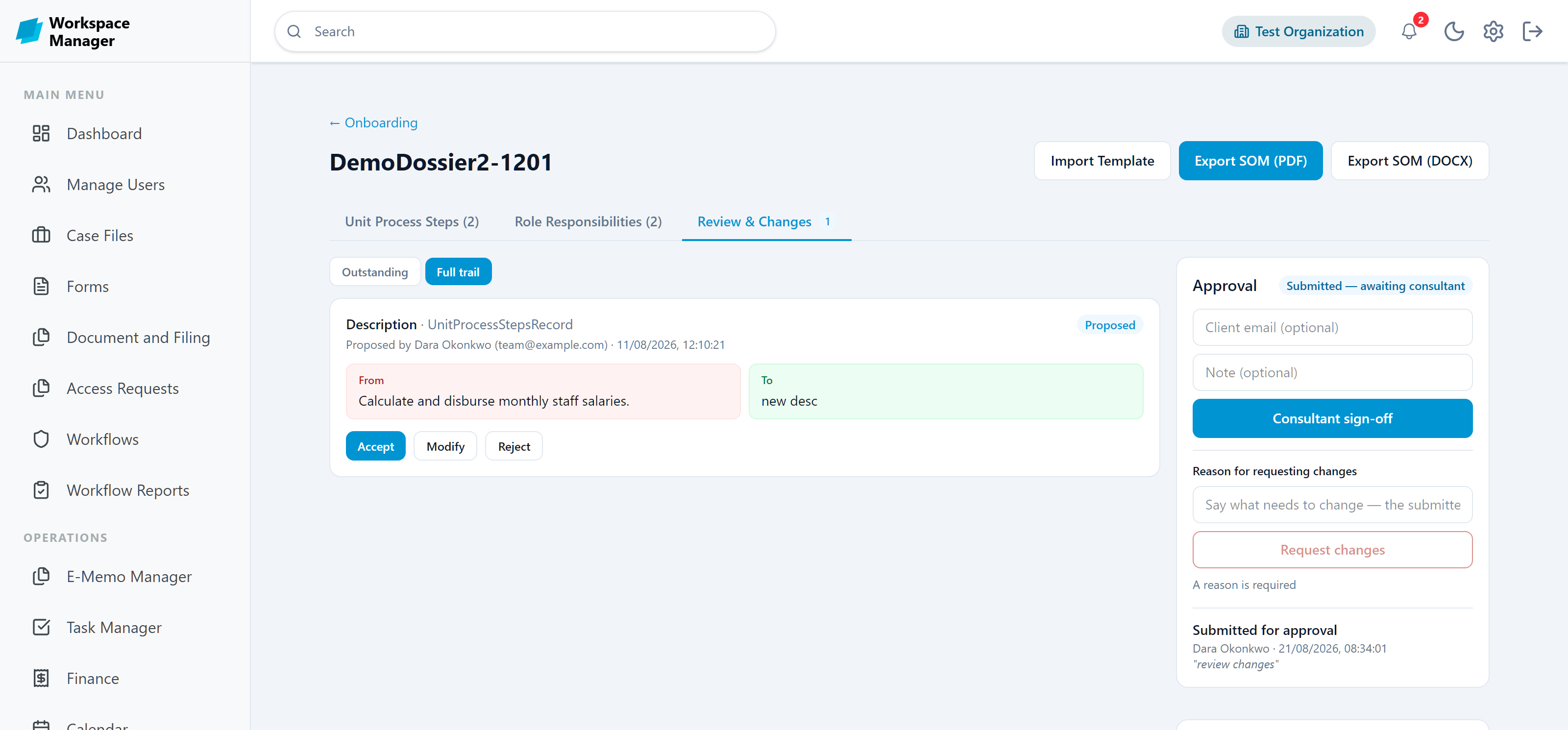
Propose, review, sign off
A consultant never overwrites the client's answers. They propose a change, the old and new values sit side by side, and the internal reviewer decides.
Collect the organisation
A consultant imports the Org Onboarding Template and the dossier fills up with departments, units, processes, and role responsibilities.
Propose changes, not edits
Instead of overwriting the client's answers, a consultant proposes a change. The old and new values sit side by side for the reviewer to judge.
Review together
The internal counterpart is notified, then accepts, modifies, or rejects each proposal. Every decision is attributed and kept in the trail.
Sign off and hand over
The consultant signs off, the client signs off, and the finished dossier exports as a Standard Operating Manual in PDF or Word.
Two roles that keep the engagement contained
Every organisation ships with a Consultant role and an Internal Reviewer role. They carry the same access, and the names make the hand-off legible to everyone.
For the external consultant engaged on a dossier
- Reaches Onboarding and Organogram, and nothing else
- Proposes changes and works the review trail
- Records the consultant sign-off they were nominated for
- Never sees personnel records, leave, attendance, or payroll
For the staff member working alongside them
- Same access, named so the hand-off is obvious to everyone
- Notified whenever a change is proposed on their dossier
- Accepts, modifies, or rejects each proposal
- Keeps their existing day-to-day role and permissions
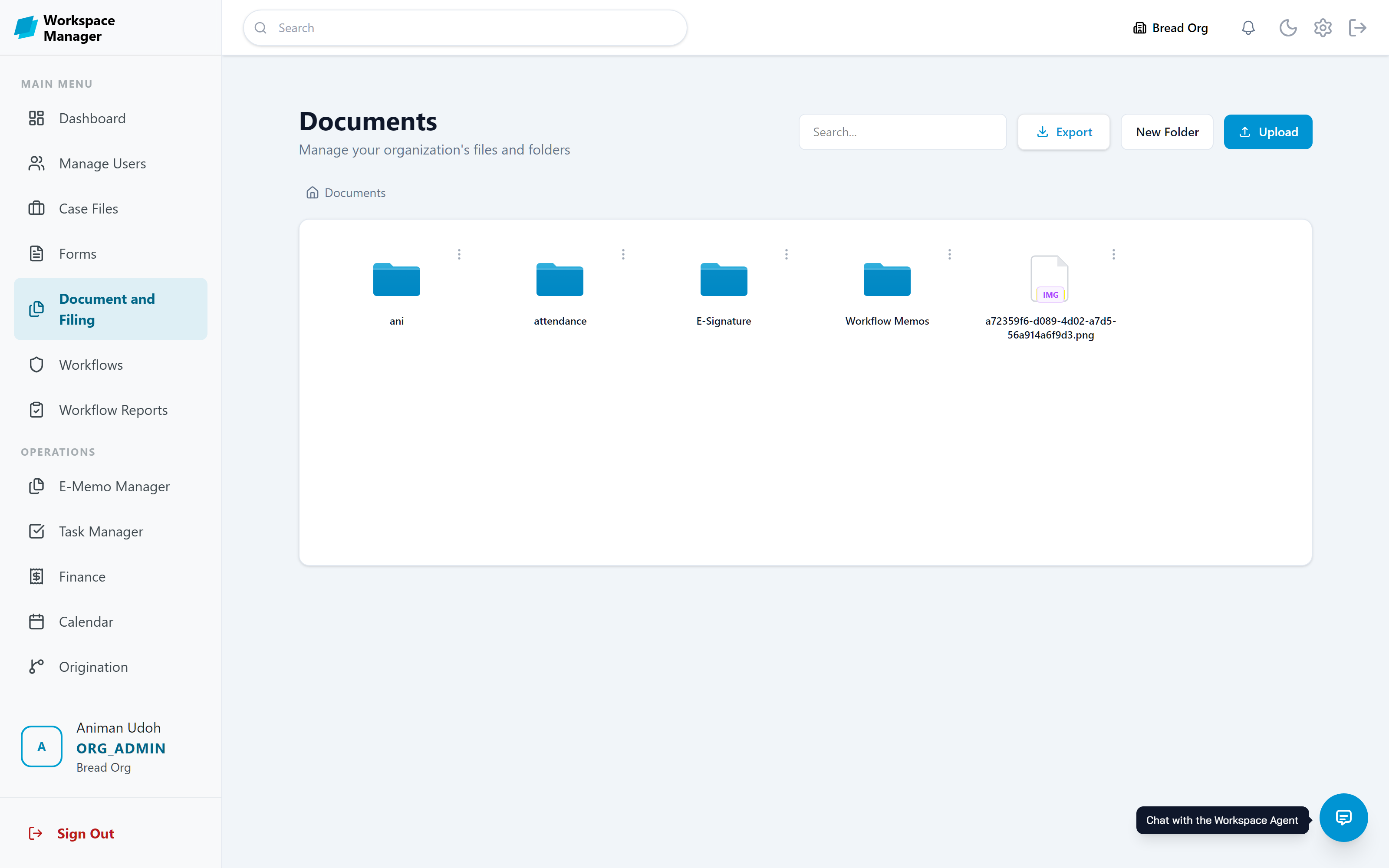
Every file, organised and access-controlled
Organised folders for all your files and documents. Control access by team, unit or individual — right down to a single document. Password-protect sensitive files and set viewing duration limits to keep your content secure.
One record for every client or project
One central record for every client or project. Tasks, appointments, milestones, documents, and memos — all in one place, so nothing falls through the cracks.
Sign once, use it everywhere
Send internal memos with attachments and approvals built in. Create your signature once — draw it or upload it — verified by a one-time secure code. Sign once, use it everywhere.
Assign it, schedule it, track it
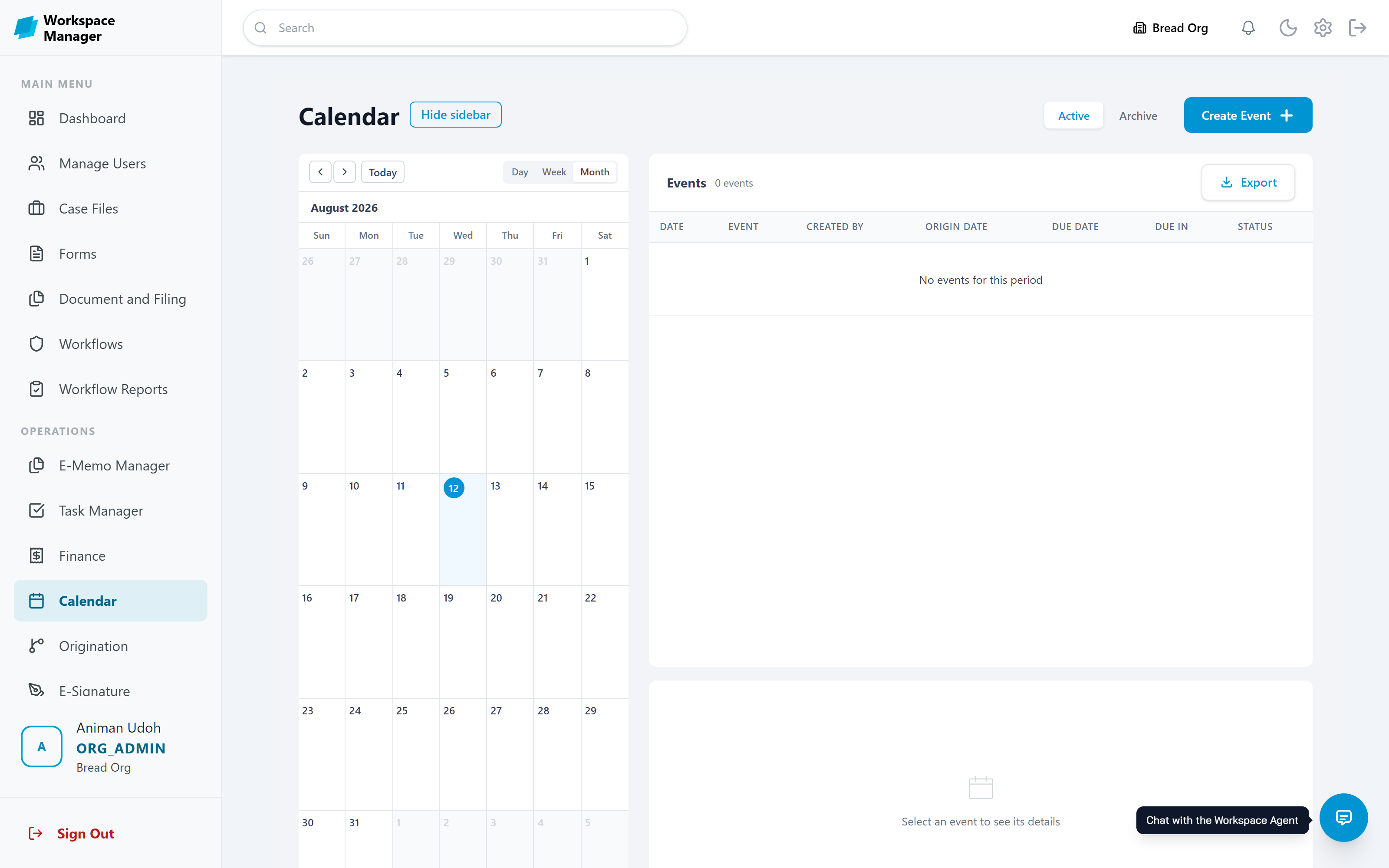
Create and assign Tasks and Calendar Events to team members and project stakeholders. Set deadlines, track completion, and get notified when things move.
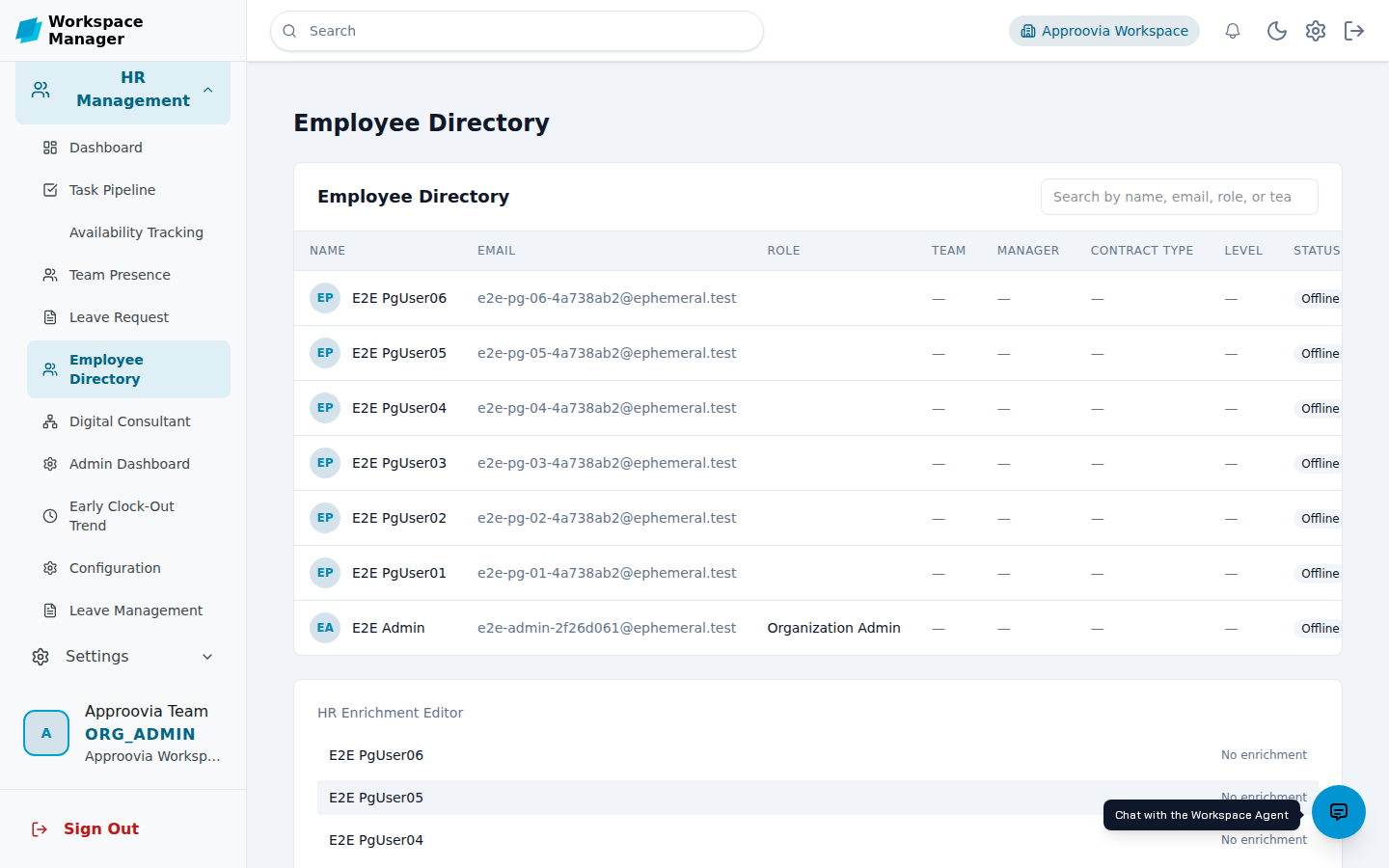
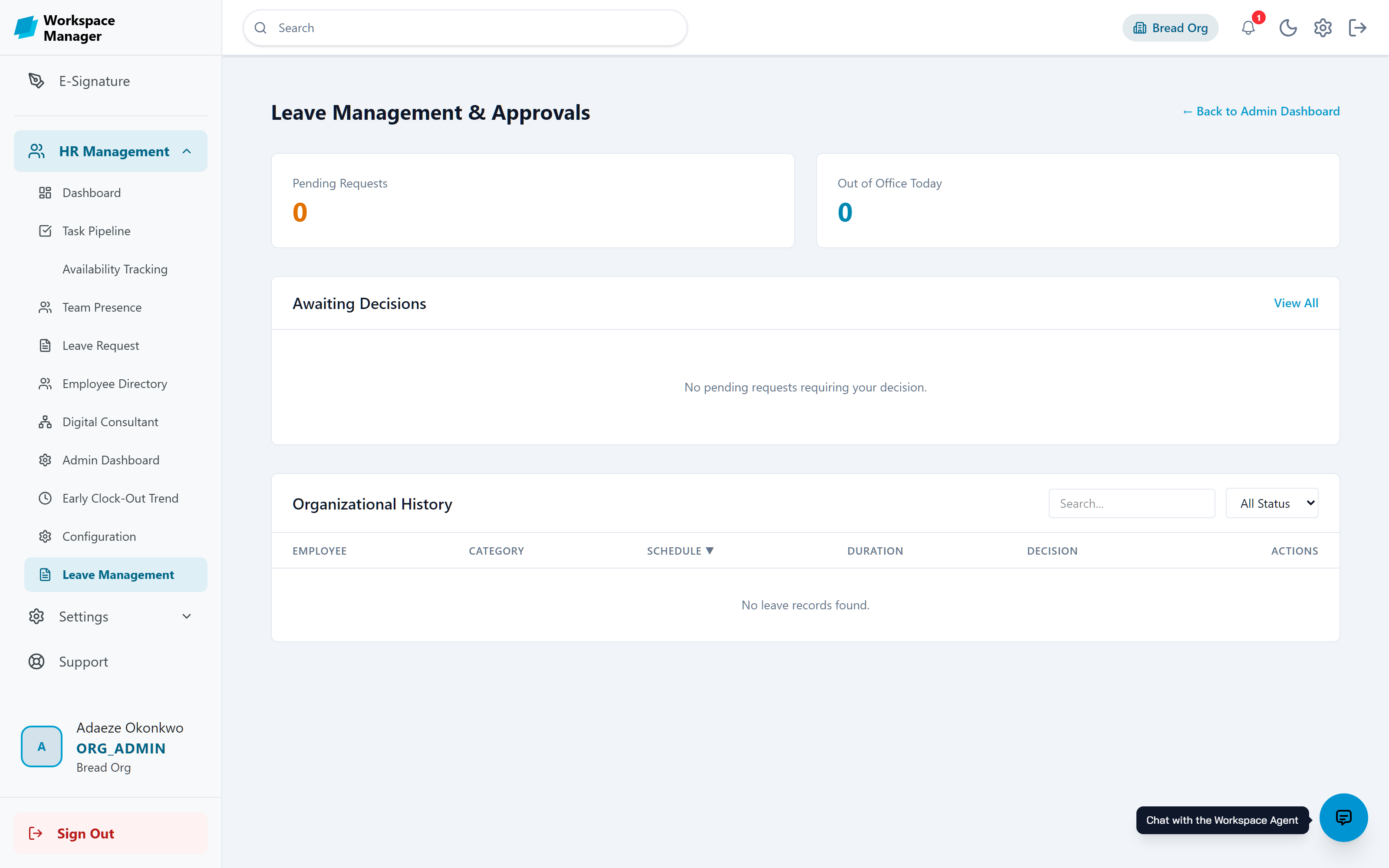
Everything to manage your team, in one place
Everything you need to manage your team in one place. Clock-in/clock-out, staff availability and presence tracking, leave management, and a searchable employee directory.
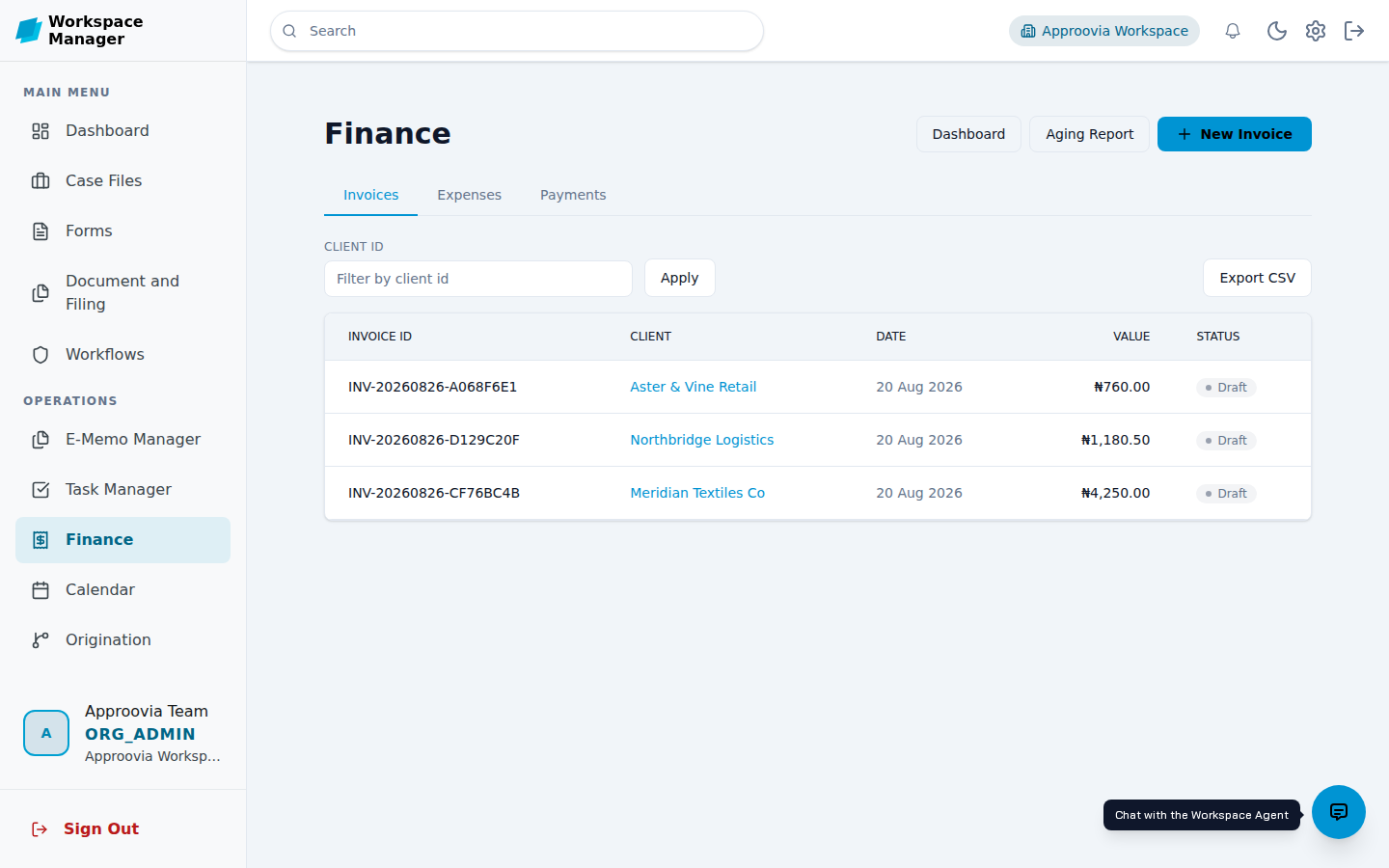
Invoices, expenses, and payments together
Create professional invoices, track expenses and payments against each invoice, and generate ageing reports to stay on top of outstanding balances.
Support your customers, in the same workspace
Support your customers with incident reporting, issue tracking and resolution, and access to an issues knowledge bank.
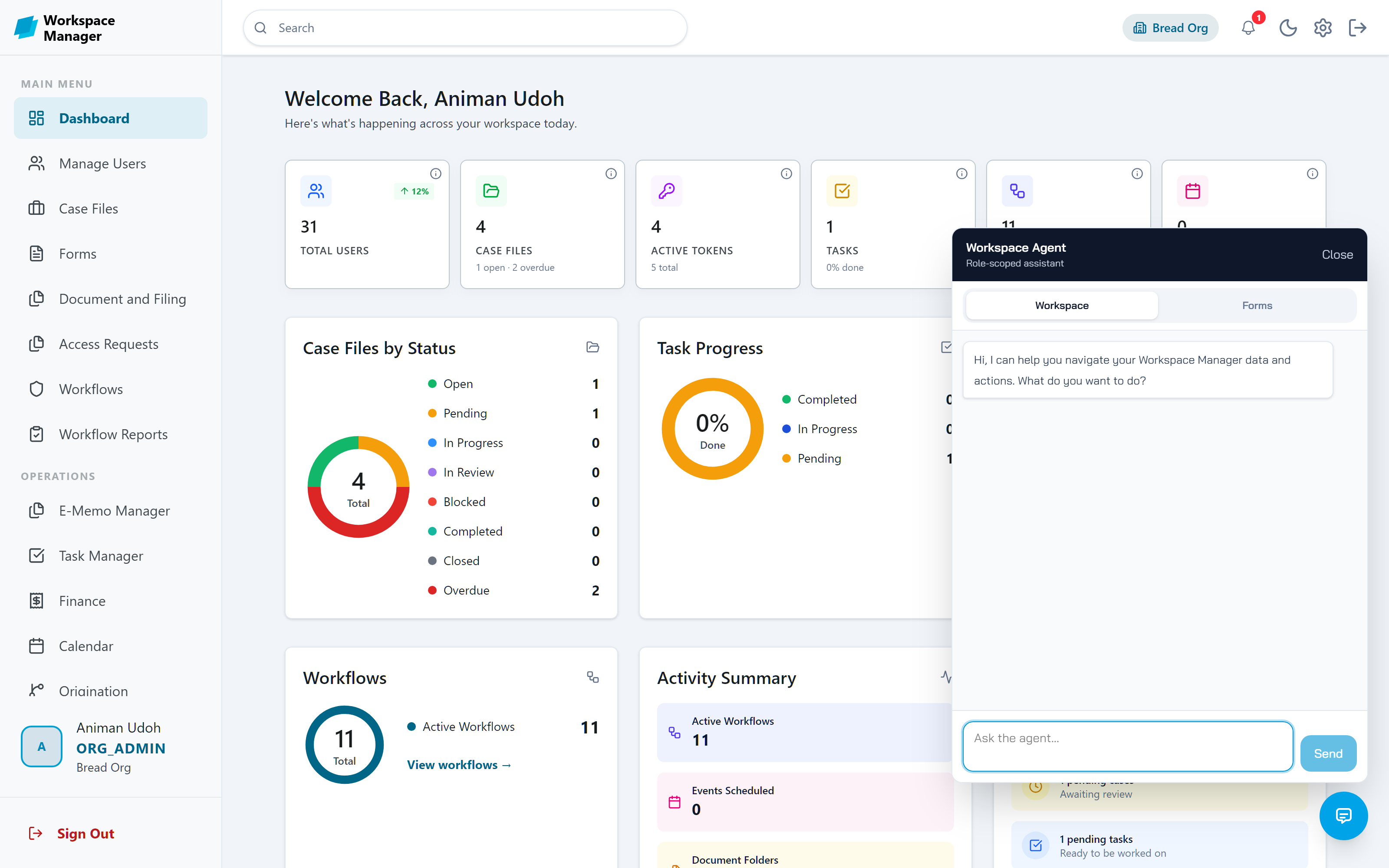
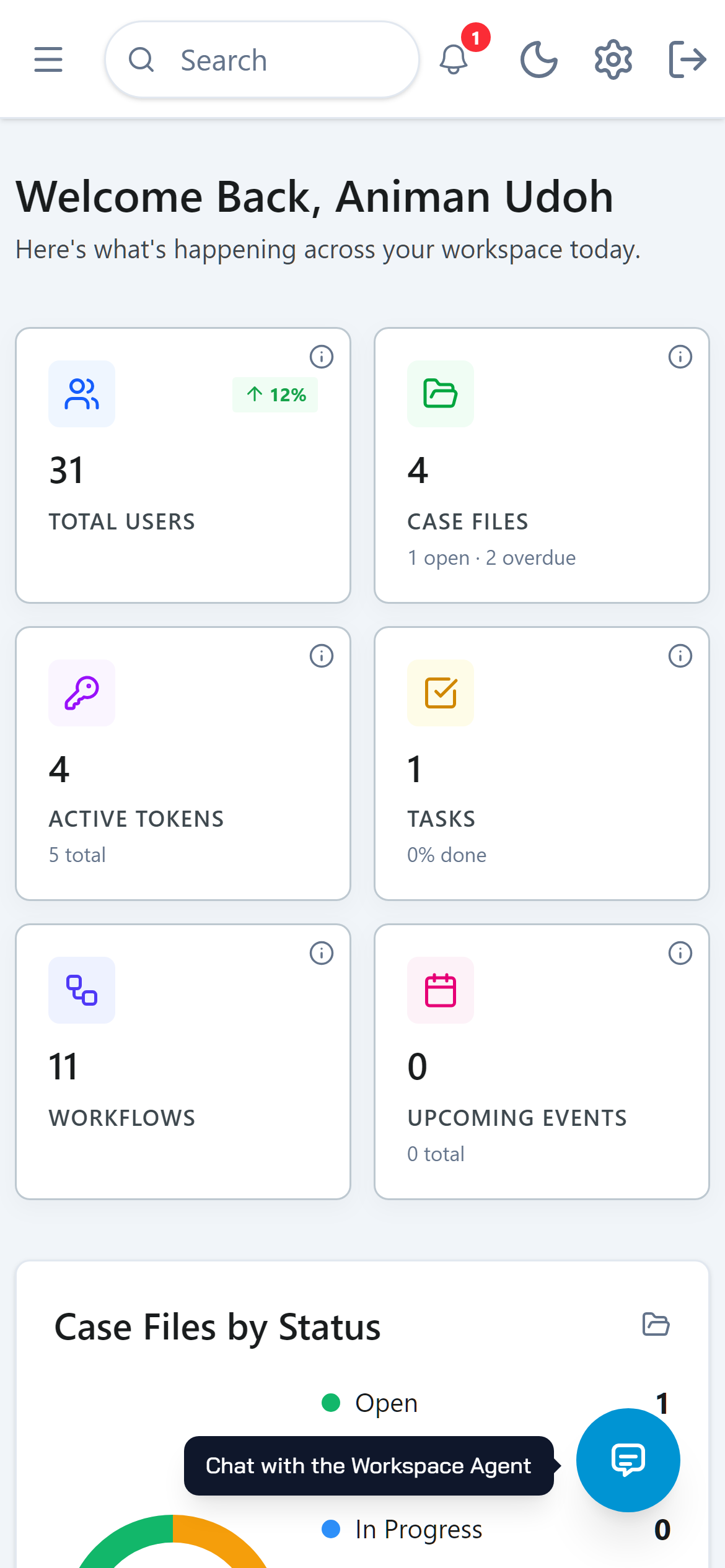
Meet the Workspace Agent
A chat assistant that lives inside your workspace. Ask it a question in plain language, and it finds the answer in your own data.
Ask where things are, and it takes you there
Describe a form, and it builds the first draft
Let it submit, approve, or sign for you, always with your confirmation first
It only sees what your role allows. Nothing more.
Built for teams that answer to someone
When the auditor asks who approved it, you should not have to dig through email. Here, the answer is one search away.
Each organisation is fully isolated, with its own users, roles, and data
Custom roles decide exactly what each person can see and do
Every action lands in the audit log, searchable by user, date, and result
Documents can carry passwords, expiry dates, and access limits
Sign in with Google, Microsoft, or GitHub, protected by 2FA
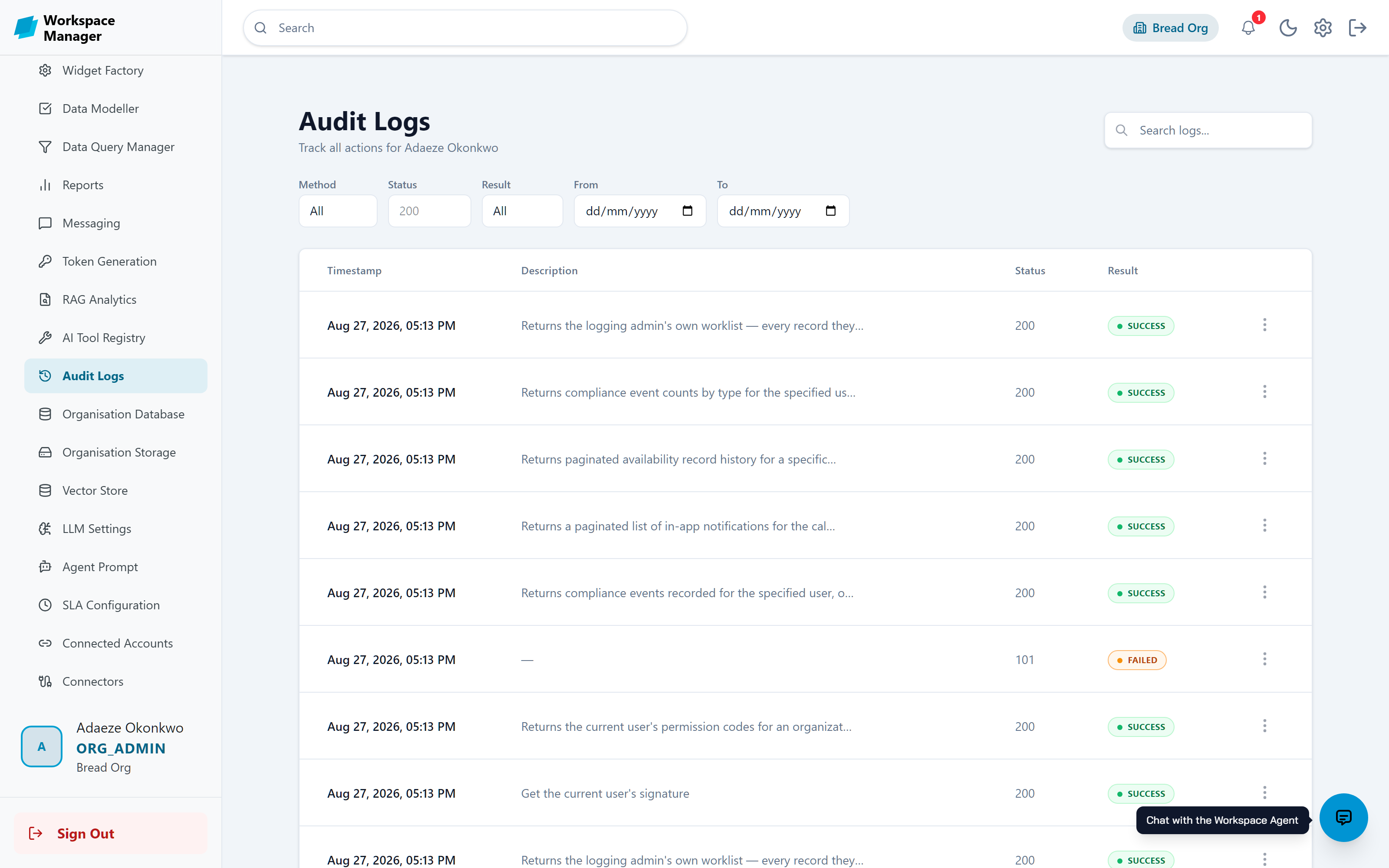
Light or dark, desk or pocket
The whole workspace ships with a full dark mode and works on any device, so approvals do not wait for office hours.
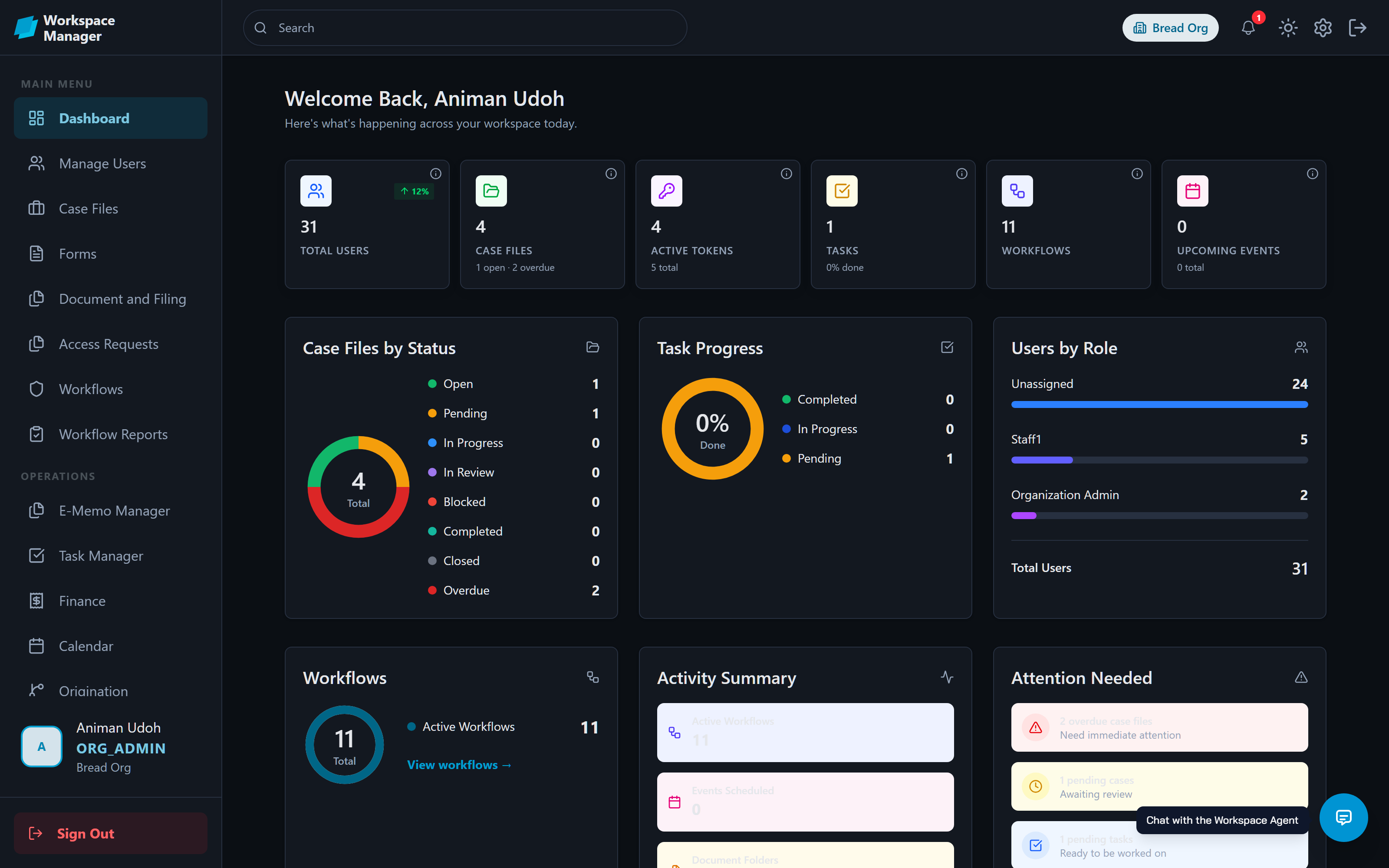
Plays well with others
Sign in with the accounts you have, sync tasks to the trackers you use, and bring your own AI provider.
Sovereign by design
Where your records live, who processes them, and which AI reads them are decisions your organisation makes, not ones you inherit from a vendor.
Privacy
NDPR aligned
Controls, residency options, and an evidence trail that support your data-protection obligations.
Sovereignty
Your database
Keep records in your own PostgreSQL or MongoDB and your own S3 bucket, in the country you choose.
Portability
Any cloud
Containerised services run on AWS, Azure, Google Cloud, a private cloud, or your own hardware.
AI
Your own model
Connect OpenAI, Anthropic, Azure, or a self-hosted model, and pay your own rate for what you use.
Trusted by business, academia, industry, and government
Anywhere paper forms and slow approvals get in the way, Workspace Manager replaces them.
Ready to revolutionise your workspace?
Create your organisation, invite your team, and take your first workflow live. It all starts with one form.